What is Docker?
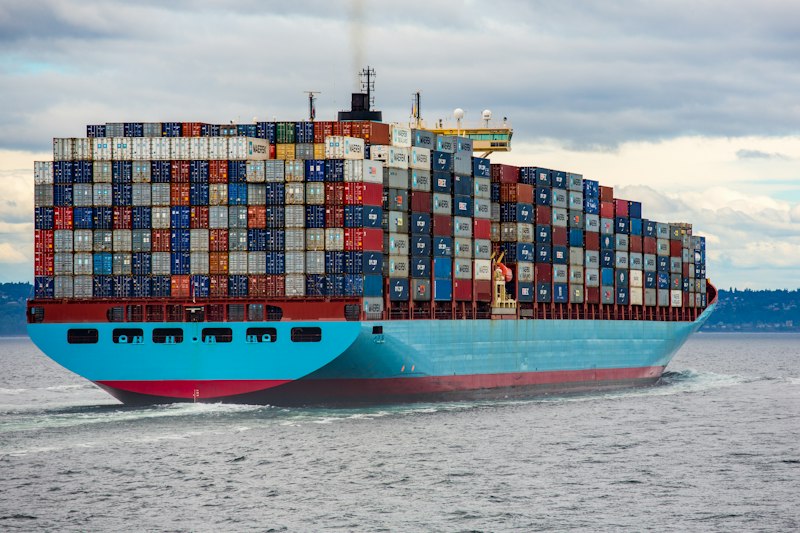
Docker is a platform for developing, shipping, and running applications in containers. Containers are lightweight, standalone, and include everything needed to run your application — code, runtime, libraries, and settings.
Why Docker?
Docker solves the classic "it works on my machine" problem:
- Consistency — Same environment everywhere (dev, staging, production)
- Isolation — Applications run in their own containers without conflicts
- Portability — Run anywhere Docker is installed
- Efficiency — Containers share the host OS kernel, using fewer resources than VMs
Step 1: Install Docker
Download Docker Desktop for your operating system from docker.com.
Verify installation:
docker --version
docker-compose --version
Step 2: Your First Dockerfile
A Dockerfile is a blueprint for building Docker images. Here's one for a Node.js app:
FROM node:20-alpine
WORKDIR /app
COPY package*.json ./
RUN npm ci
COPY . .
RUN npm run build
EXPOSE 3000
CMD ["npm", "start"]
Step 3: Build and Run
# Build the image
docker build -t my-app .

# Run the container
docker run -p 3000:3000 my-app
Step 4: Docker Compose
For multi-container applications, use Docker Compose:
services:
  app:
    build: .
    ports:
      - "3000:3000"
    depends_on:
      - db
  db:
    image: postgres:16-alpine
    environment:
      POSTGRES_DB: mydb
    volumes:
      - pgdata:/var/lib/postgresql/data

volumes:
  pgdata:
Conclusion
Docker simplifies application deployment and ensures consistency across environments. Start small, containerize one application, and gradually adopt Docker across your entire stack.
Comments (1)
Leave a Comment